
TL;DR:
- Over 90% of online shoppers are influenced by promo codes when making purchases, leading to significant savings for gamers on skins and items. Applying codes correctly involves copying and pasting with attention to timing, restrictions, and troubleshooting technical issues, such as clearing cache or disabling VPNs. Strategic use of welcome, tiered, and abandoned cart codes, combined with disciplined timing and technical checks, maximizes gaming purchase discounts and value.
Promo codes are digital discount strings that reduce the price of online purchases at checkout, and over 90% of online shoppers are influenced by them when deciding whether to buy. For gamers, that influence translates directly into real savings on CS2 skins, case openings, and e-sports platform credits, with first-time buyers routinely saving 15 to 25% through welcome codes. Platforms like Dropskin, tools like CouponAnnie, and browser extensions that auto-apply codes at checkout have made finding and using these discounts faster than ever. The promocode usage tips in this guide cover everything from applying codes without errors to timing your purchases around predictable discount cycles.
1. How to apply promocodes correctly every time
Applying a promo code sounds simple, but a single wrong character kills the discount before it starts. The most reliable method is to copy the code directly from the source and paste it into the checkout field rather than typing it manually. Case sensitivity matters on most platforms, so "DROPSKIN20" and "dropskin20" are not the same code.

Finding the promo code field
The promo code input field appears in different places depending on the platform and device. On desktop, it typically sits in the cart summary or on the payment page. On mobile apps, the field is sometimes collapsed under a "Have a promo code?" toggle that many users miss entirely. If you cannot locate the field, use your browser's search shortcut (Ctrl+F or Cmd+F) and type "promo" or "coupon" to find it instantly.
Confirming the discount applied
After hitting "Apply," the page should display a confirmation message and show the updated total before you complete the purchase. If the total does not change, the code did not apply. Never proceed to payment assuming the discount will appear on the final screen. It will not.
Pro Tip: Perform a manual keyboard test after pasting your code. Click inside the promo field, press the End key, then press Backspace once. If a character disappears, you had a trailing space that would have invalidated the code.
2. Understanding promo code restrictions in gaming purchases
Promo code failures most commonly occur because of expiration dates, minimum spend requirements, and item-level exclusions. Understanding these restrictions before you try to apply a code saves you the frustration of a failed checkout.
The most common restrictions you will encounter include:
- Expiration dates. Codes have hard cutoff times, sometimes down to the hour. Always check the exact expiration before adding items to your cart.
- Minimum purchase thresholds. A code for "10% off orders over $50" does nothing on a $40 cart. Add a lower-value item to cross the threshold if the math still works in your favor.
- Item and category exclusions. Many gaming platforms exclude new releases, limited-edition skins, or specific case types from promo eligibility. Read the terms before assuming a code applies to your target item.
- Single-use and new-customer limits. Welcome codes are one-time offers tied to your account or email address. Using a second email to redeem a new-customer code again violates most platform terms of service.
- Regional locks. Some codes are US-only or restricted to specific countries. If you are traveling or using a VPN, the platform may reject the code based on your detected location.
The practical fix for most of these issues is to read the terms and conditions attached to every code before you build your cart around it. Thirty seconds of reading prevents a wasted checkout attempt.
3. Top promo code saving strategies for gamers
The best promocode saving strategies go beyond simply entering a code at checkout. They involve timing, stacking, and understanding which discount types actually deliver value for gaming purchases.
Leverage welcome codes on first purchases
First-time buyer codes consistently offer the highest discount rates available on any platform. Gamers who save their first purchase for a high-value item, such as a rare CS2 skin or a bundle of cases, extract the maximum dollar value from that 15 to 25% welcome discount rather than spending it on a low-cost item.
Use tiered discounts to your advantage
Tiered discount structures reward higher spending with steeper percentage cuts. A code offering 15% off orders over $75 and 25% off orders over $120 creates a clear decision point. If your cart sits at $95, adding $25 more in items to hit the 25% tier often costs less than the extra discount saves. Run the math before you check out.
| Discount type | Best use case for gamers | Real-world value |
|---|---|---|
| Percentage off | Large skin purchases or case bundles | High: scales with order size |
| Fixed dollar off | Low-value orders near the minimum threshold | Medium: fixed regardless of cart size |
| Free item or bonus | Case openings with added spins | High: adds inventory without extra spend |
| BOGO | Skin duplicates or gifting | Situational: only valuable if you need two |
Question "limited-time" urgency
Most limited-time offers repeat on a predictable schedule. A flash sale that "ends tonight" frequently reappears the following weekend. If you are not ready to buy, wait. The deal will return, and you will be in a better position to use it on a purchase you actually planned.
Trigger abandoned cart discounts
Abandoned cart emails containing discount codes typically arrive within 24 to 48 hours after you leave a checkout without completing the purchase. This means you can intentionally add items to your cart, exit without buying, and check your inbox the next day for a discount code. This tactic works on many gaming and skin trading platforms and requires zero effort beyond patience.
Pro Tip: Subscribe to email lists for platforms you already use. Subscriber-exclusive codes are often deeper discounts than publicly posted ones, and they arrive before flash sales go live to the general public.
4. Technical troubleshooting when your promo code won't apply
When a code meets all the stated conditions but still fails, the problem is almost always technical rather than eligibility-related. Work through these fixes in order before contacting support.
- Clear your browser cookies and cache. Outdated session data can interfere with promo validation. Clear cookies, reload the page, re-add your items, and try the code again.
- Switch to incognito or private mode. Incognito mode bypasses cookie conflicts and can resolve geo-fencing issues that block codes based on your browsing history or stored location data.
- Try a different browser or device. Some platforms have checkout bugs specific to certain browsers. If Chrome fails, try Firefox or Safari. If mobile fails, switch to desktop.
- Disable your VPN or proxy. Region-locked codes fail when the platform detects a location mismatch. Turn off any VPN before applying a code tied to a specific country.
- Inspect the page for hidden fields. Some checkout pages hide promo input fields on mobile or after login. Switch to desktop mode in your mobile browser or inspect the page source to find a collapsed input field.
- Document the error and contact support. If none of the above fixes work, screenshot the error message, note the exact code, your cart contents, and the time of the attempt. Support teams resolve code issues faster when you provide specific details rather than a general complaint.
Pro Tip: Browser extensions like Honey or Capital One Shopping automatically test promo codes at checkout, but some gaming platforms actively block these scripts. If an extension fails to apply a code, try the code manually in a clean incognito session before assuming it is expired.
Key takeaways
The most effective promo code strategy combines correct application technique, restriction awareness, timing discipline, and technical troubleshooting to maximize savings on every gaming purchase.
| Point | Details |
|---|---|
| Always paste, never type | Copy codes directly to avoid typos and use the keyboard test to catch trailing spaces. |
| Read restrictions first | Check expiration, minimum spend, and item exclusions before building your cart. |
| Time your purchases | Abandoned cart emails and subscriber codes deliver deeper discounts than public flash sales. |
| Use tiered discounts strategically | Calculate whether adding items to hit a higher discount tier saves more than it costs. |
| Troubleshoot technically | Incognito mode, browser switching, and VPN disabling resolve most code failures. |
What Dropskin has learned about promo codes and smart spending
The pattern we see most often at Dropskin is gamers burning their best codes on impulse buys. A welcome code worth 20% off gets spent on a $5 item because the sale felt urgent. That is not savings. That is a missed opportunity worth real money on a high-value skin or case bundle.
The other mistake is chasing every discount without tracking whether the purchase was planned. Overusing discounts trains your own spending behavior to wait for deals, which sounds smart until you realize you are buying things you did not actually want just because the price dropped. Prioritize value-add promotions, such as bonus spins, bundle access, or exclusive skin drops, over raw percentage cuts. Those offers add to your inventory without encouraging unnecessary spending.
For 2026, the trend we are watching is personalized promo delivery. Platforms are moving toward codes tied to individual account behavior, meaning the best discounts will go to users who engage consistently rather than those who hunt codes externally. Staying active on platforms you already use, and checking your gaming giveaways feed regularly, will matter more than scraping code aggregator sites. Keep a simple spreadsheet tracking which codes you used, on what, and what you saved. After three months, the data will tell you exactly where your discount strategy is working and where it is not.
— Dropskin
Get more from every code on Dropskin
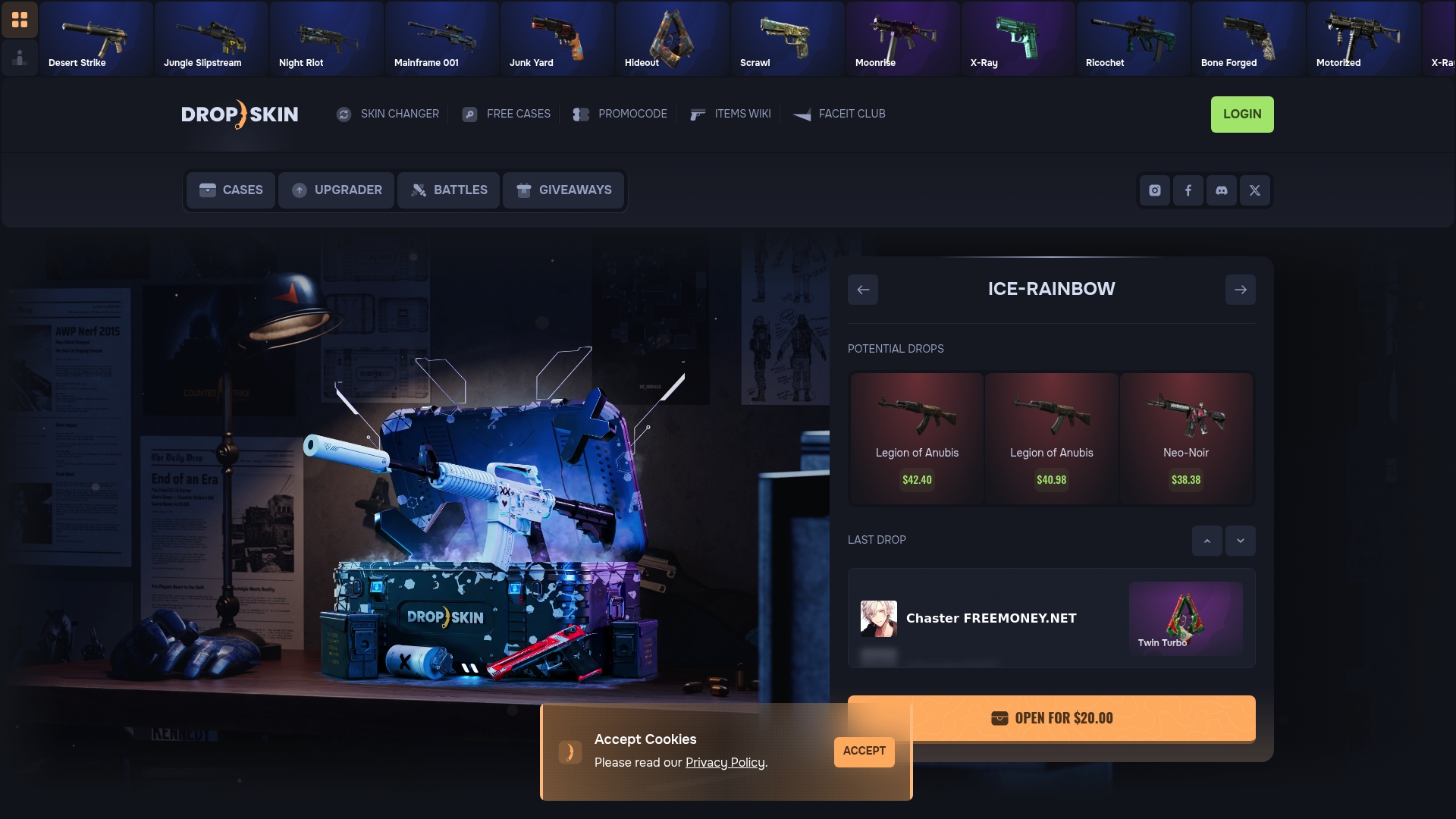
Dropskin is built for gamers who want to stretch every dollar spent on CS2 skins. The platform supports promo code entry directly at checkout, with auto-apply functionality that confirms your discount before you commit to a purchase. Dropskin runs frequent promotional offers tied to case openings, skin upgrades, and community giveaways, giving you multiple opportunities each month to apply the strategies covered in this guide. Whether you are opening CS2 cases for the first time or using the skin upgrader to trade up your inventory, a valid promo code at checkout makes every session more valuable. Check the Dropskin promotions page before each session and pair it with the tips on CS2 skin trading value to get the most out of your budget.
FAQ
What are the most common reasons a promo code fails?
Promo code failures most often result from expiration, minimum purchase requirements not being met, or item-level exclusions. Trailing spaces in copied codes are also a frequent but overlooked cause of invalid code errors.
How do I find promo codes for gaming platforms?
The most reliable sources are platform email newsletters, community Discord servers, and gaming giveaway pages that distribute codes directly to subscribers. Browser extensions can also audit checkout pages automatically, though some platforms block these scripts.
Can I use multiple promo codes on one order?
Most gaming platforms allow only one promo code per transaction. Some platforms support stacking a promo code with a site-wide sale, but this is the exception rather than the rule. Always check the terms before assuming codes can be combined.
Why does my promo code work on desktop but not mobile?
Some checkout pages hide or collapse the promo code input field on mobile, and cookie or session conflicts can also block validation. Switching to desktop mode in your mobile browser or using a desktop device resolves this in most cases.
How do I get abandoned cart discount codes?
Add your target items to the cart, proceed partway through checkout, then exit without completing the purchase. Many platforms send a follow-up discount code via email within 24 to 48 hours to encourage you to complete the transaction.