Resetting your CS2 inventory just to watch your newest skin vanish before you can even flex it is every gamer's nightmare. Secure trading and smart upgrades can mean the difference between leveling up your collection or losing valuable digital assets. With platforms like Dropskin making it easier to pinpoint skins with real upgrade potential and customize your strategy, you can turn savvy decisions into bigger wins and a truly high-value inventory. Stay sharp and learn how to protect and grow your most prized skins.
Table of Contents
- Step 1: Set Up Your Dropskin Account Securely
- Step 2: Select Skins and Assess Upgrade Potential
- Step 3: Choose Your Upgrade Method and Adjust Odds
- Step 4: Execute the Step by Step Skin Upgrade Process
- Step 5: Verify Your Upgraded Skins and Secure Assets
Quick Summary
| Key Message | Explanation |
|---|---|
| 1. Use a Secure Registration | Create a Dropskin account with a unique password and enable two-factor authentication to protect your assets. |
| 2. Assess Upgrade Potential | Identify CS2 skins by rarity, market value, and wear condition to prioritize those with the best upgrade opportunities. |
| 3. Select the Right Upgrade Method | Evaluate different upgrade options like direct upgrading and case battles based on your risk tolerance and strategy. |
| 4. Execute Transactions Carefully | Follow precise steps for upgrades, ensuring you review details and confirm choices to optimize your success. |
| 5. Verify and Document Your Assets | After upgrading, confirm skin authenticity, condition, and market value to safeguard your investments and track performance. |
Step 1: Set Up Your Dropskin Account Securely
Creating a secure account on Dropskin will be your gateway to exploring exciting skin upgrade opportunities. The process is straightforward and designed to protect your gaming assets while providing seamless access to the platform.
To get started, navigate to the Dropskin website and locate the registration button. You'll want to create an account using a strong, unique password that combines uppercase and lowercase letters, numbers, and special characters. Consider using a password manager to generate and store complex credentials securely. During registration, you'll need to provide basic information and potentially link your Steam account for skin trading verification.
Your account security matters, so enable two-factor authentication immediately after registration. This additional layer of protection helps prevent unauthorized access to your skins and trading capabilities. Most gamers overlook this critical step, but it can save you from potential future headaches.
This table highlights essential account security practices for Dropskin users:
| Security Practice | Why It Matters | Potential Consequence if Ignored |
|---|---|---|
| Unique Email | Reduces account exposure | Increased risk of multi-site breaches |
| Complex Password | Harder to guess/crack | Easier unauthorized access |
| Two-Factor Authentication | Blocks most account hacks | Greater chance of losing valuables |
| Steam Link Verification | Ensures secure trading | Unauthorized trades or inventory errors |
- Use a unique email address not connected to other gaming platforms
- Create a complex, memorable password
- Enable two-factor authentication
- Verify your Steam connection
Protecting your account is just as important as protecting your in-game inventory.
Pro tip: Consider using a dedicated email address exclusively for gaming accounts to minimize potential security risks.
Step 2: Select Skins and Assess Upgrade Potential
Now that you have a secure Dropskin account, it's time to strategically select and evaluate your CS2 skins for potential upgrades. Understanding how to identify skins with the best upgrade potential can significantly impact your trading success.

Start by exploring your CS2 inventory and focusing on skins that have good upgrade possibilities. Not every skin is created equal, and some have more potential for value increase than others. Look for skins with characteristics that make them attractive for upgrading, such as those with rare patterns, minimal wear, or from popular collections. Pay close attention to the current market value and potential future demand.
When assessing skin upgrade potential, consider these key factors:
- Rarity of the skin
- Current market value
- Wear condition (lower wear typically means higher value)
- Popularity among collectors
- Potential for future demand
Smart skin selection can transform modest investments into valuable assets.
Most successful traders use a combination of market research and platform tools to make informed decisions. Dropskin provides features that help highlight skins with higher upgrade potential, making your selection process more strategic.
Pro tip: Always screenshot or document your initial skin values before upgrading to track your investment performance.
Step 3: Choose Your Upgrade Method and Adjust Odds
With your selected skins in hand, you're ready to explore Dropskin's flexible upgrade methods that cater to different risk tolerances and strategic approaches. Understanding how to navigate and customize your upgrade mechanics can dramatically improve your chances of securing higher-value skins.
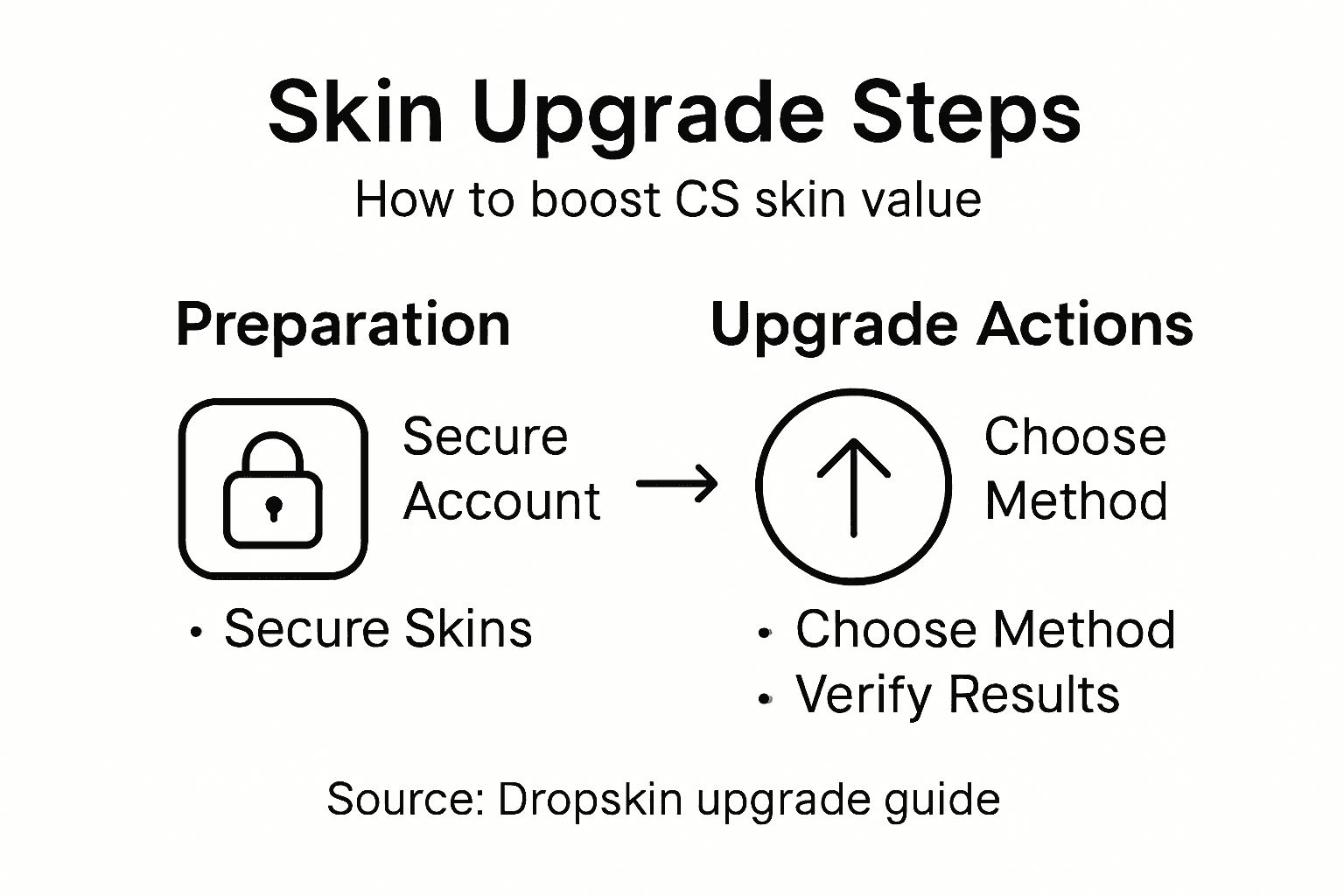
Dropskin offers multiple upgrade pathways, each with unique risk and reward profiles. The primary methods include direct upgrading, case battles, and customizable stake battles. Direct upgrading allows you to trade a skin for a potentially more valuable one, while case battles let you compete against other players to win skins. The most strategic option often involves adjustable odds battles, where you can fine-tune your risk level by modifying stake values and winning probabilities.
Here's how Dropskin's main upgrade methods compare:
| Upgrade Method | Risk Level | Potential Reward | Typical User Strategy |
|---|---|---|---|
| Direct Upgrading | Moderate | Incremental gains | Single, targeted trades |
| Case Battles | High | Big wins possible | Compete for multiple upgrades |
| Adjustable Odds Battle | Customizable | Risk/reward balanced | Fine-tune for chosen risk |
When selecting your upgrade method, consider these key strategies:
- Assess your risk tolerance
- Understand the potential value increase
- Compare different upgrade methods
- Start with lower-value skins for initial practice
- Track your upgrade success rate
Not all upgrade methods are created equal - choose wisely to maximize your potential returns.
Successful skin traders often experiment with different upgrade techniques, learning to read platform dynamics and make calculated decisions. Pay close attention to the odds, potential returns, and your overall trading strategy.
Pro tip: Begin with small stakes and gradually increase your upgrade complexity as you gain platform experience.
Step 4: Execute the Step by Step Skin Upgrade Process
You've selected your skins and strategized your upgrade approach - now it's time to execute the actual upgrade process. Understanding the precise upgrade mechanics will help you navigate each transaction smoothly and confidently.
The execution process begins with logging into your Dropskin account through Steam and selecting the specific skins you want to upgrade. Confirm your selected skins and review the upgrade odds carefully before proceeding. Each upgrade method - whether direct upgrade, case battle, or adjustable stake battle - requires slightly different interaction, but the core steps remain consistent. Pay close attention to the platform's interface prompts, which guide you through each transaction stage.
Here are the critical steps to execute your skin upgrade:
- Log in via Steam authentication
- Select the specific skins for upgrade
- Choose your preferred upgrade method
- Set stake and adjust odds (if applicable)
- Review transaction details
- Confirm and execute the upgrade
- Wait for upgrade resolution
Your success depends on careful selection and strategic execution.
Remember that each upgrade carries inherent risk, and the platform's algorithm determines the final outcome based on the odds you've set. Successful traders develop a keen sense of probability and learn to make calculated decisions.
Pro tip: Always keep a small reserve of skins and never upgrade your entire collection in a single session.
Step 5: Verify Your Upgraded Skins and Secure Assets
After executing your skin upgrade, the critical next step is carefully verifying and securing your newly acquired digital assets. You'll want to meticulously review each upgraded skin to confirm its value, condition, and authenticity.
Immediate verification involves checking the specific attributes of your newly upgraded skins. Inspect wear condition, examine pattern quality, and cross-reference market values to ensure you've received the expected item. Since each upgrade carries inherent risk, thoroughly documenting your transaction details becomes paramount. Utilize Dropskin's upgrader interface to review comprehensive skin details and compare your upgraded items against your initial expectations.
Key verification steps include:
- Confirm skin rarity and wear level
- Check pattern percentage and uniqueness
- Validate market pricing
- Screenshot transaction details
- Verify Steam trade restrictions
- Compare upgraded skin against original investment
- Transfer skins to secure inventory
Digital asset verification protects your gaming investments and prevents potential trading complications.
Successful traders develop a systematic approach to verifying and documenting each skin upgrade, treating each transaction as a potential learning opportunity for future trading strategies.
Pro tip: Create a spreadsheet tracking each skin upgrade, including initial investment, upgrade odds, and final market value for long-term performance analysis.
Unlock the True Potential of Your CS Skins with Dropskin
Upgrading CS skins can feel overwhelming with the many factors to consider—from selecting the right skins with upgrade potential to mastering the best upgrade methods and securing your valuable assets. If you want to transform modest skins into highly sought-after items, you need a trusted platform that simplifies every step while offering flexibility and security. Dropskin is designed exactly for gamers like you seeking a seamless skin upgrade experience that balances risk with reward through interactive battles, case openings, and custom stakes.
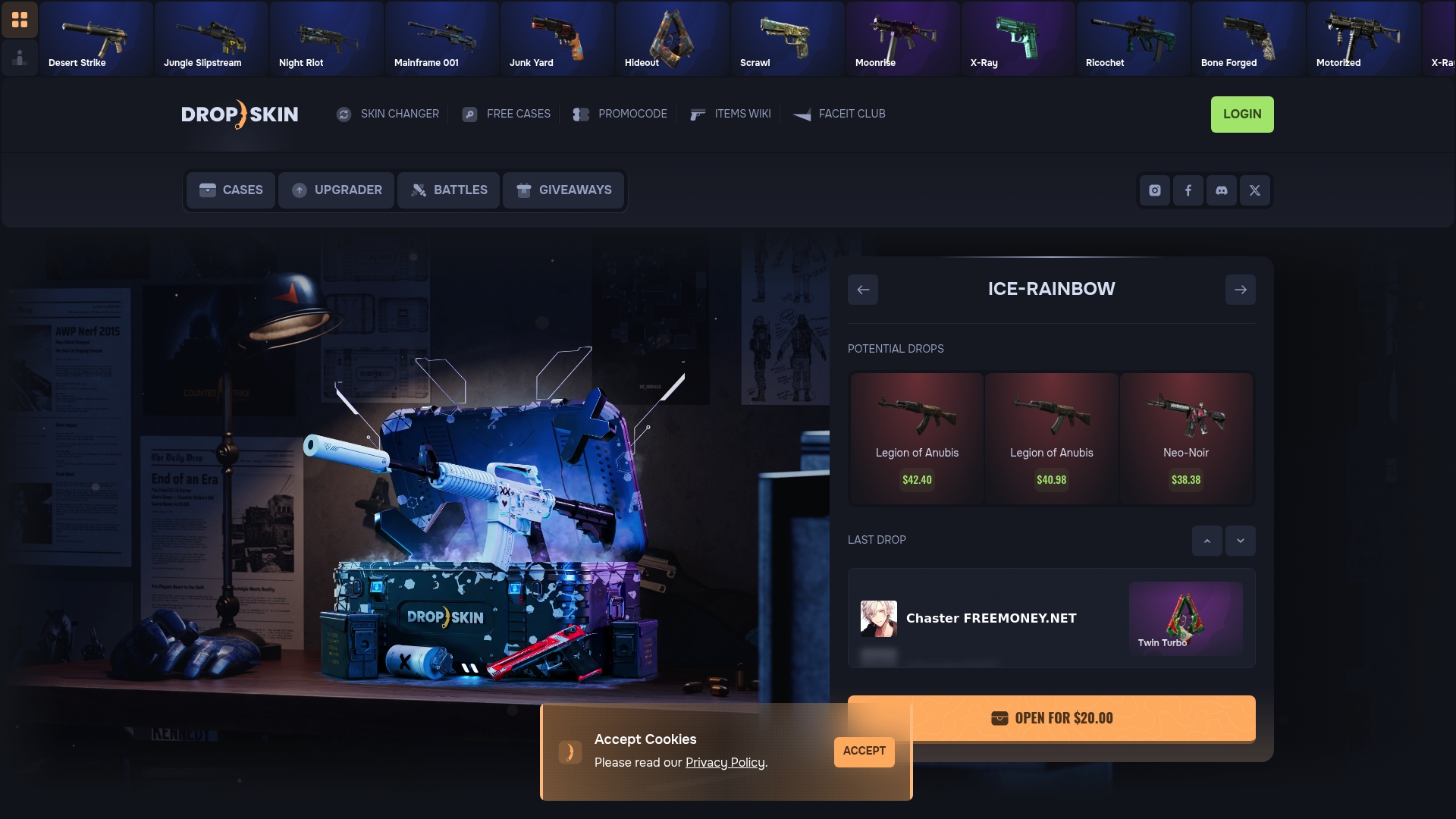
Experience how Dropskin makes skin upgrading effortless and entertaining at Dropskin.com. Start by creating your secure account and explore features such as adjustable odds battles and direct upgrades that empower you to take control of your CS2 or CS:GO inventory. Don’t wait to turn your gaming collection into a valuable asset. Visit Dropskin now and begin your journey to smarter skin upgrading backed by a vibrant community and innovative tools. Your next high-value skin upgrade is just a click away.
Frequently Asked Questions
How do I create a secure Dropskin account for skin upgrades?
To create a secure Dropskin account, visit the Dropskin website and register using a strong, unique password. Make sure to provide basic information and link your Steam account for skin trading verification.
What factors should I consider when selecting skins for upgrades?
When selecting skins, focus on their rarity, current market value, wear condition, and popularity among collectors. Assess these characteristics to identify skins with the best upgrade potential before making your selection.
What are the different upgrade methods available on Dropskin?
Dropskin offers several upgrade methods, including direct upgrading, case battles, and adjustable odds battles. Choose a method based on your preferred risk level and strategy to maximize your chances of securing higher-value skins.
How can I execute the skin upgrade process on Dropskin?
To execute the skin upgrade process, log in to your Dropskin account, select the skins you want to upgrade, and choose your preferred upgrade method. Carefully review the upgrade odds and confirm your transaction details before proceeding.
What steps should I take to verify my upgraded skins?
After upgrading your skins, verify their attributes by checking their rarity, wear condition, and market value. Document the transaction details and ensure that the upgraded skins meet your initial expectations for value and condition.
How can I track the performance of my skin upgrades?
Create a spreadsheet to track each skin upgrade, including the initial investment, upgrade odds, and final market value. This systematic approach will help you analyze and improve your trading strategy over time.