Trading CS2 skins can feel overwhelming when you're juggling float values, security requirements, and avoiding scams. Many players struggle with knowing where to start or how to maximize their trades safely. This complete guide walks you through every step of trading CS2 skins in 2026, from setting up your account correctly to executing profitable trades while protecting yourself from common pitfalls.
Table of Contents
- What You Need Before Trading CS2 Skins
- How Trade-Up Contracts Work And Their Role In Skin Trading
- Using Steam And Third-Party Platforms To Trade CS2 Skins Safely
- Tips To Maximize Profits And Avoid Pitfalls When Trading CS2 Skins
- Explore DROP.SKIN For Safe And Profitable CS2 Skin Trading
- How To Trade CS2 Skins: Frequently Asked Questions
Key takeaways
| Point | Details |
|---|---|
| Account preparation | Activate Steam Guard Mobile Authenticator for 15+ days and link a valid phone number before trading. |
| Trade-up mechanics | Combine 10 skins of the same quality to get one higher-quality skin, with float values influencing the outcome. |
| Platform security | Choose reputable platforms and use CS2 Trade Protection to reverse eligible trades within seven days. |
| Float value strategy | Prioritize low float skins to increase odds of valuable trade-up results. |
| Scam prevention | Never share Steam passwords or click suspicious trade links claiming to be legitimate offers. |
What you need before trading CS2 skins
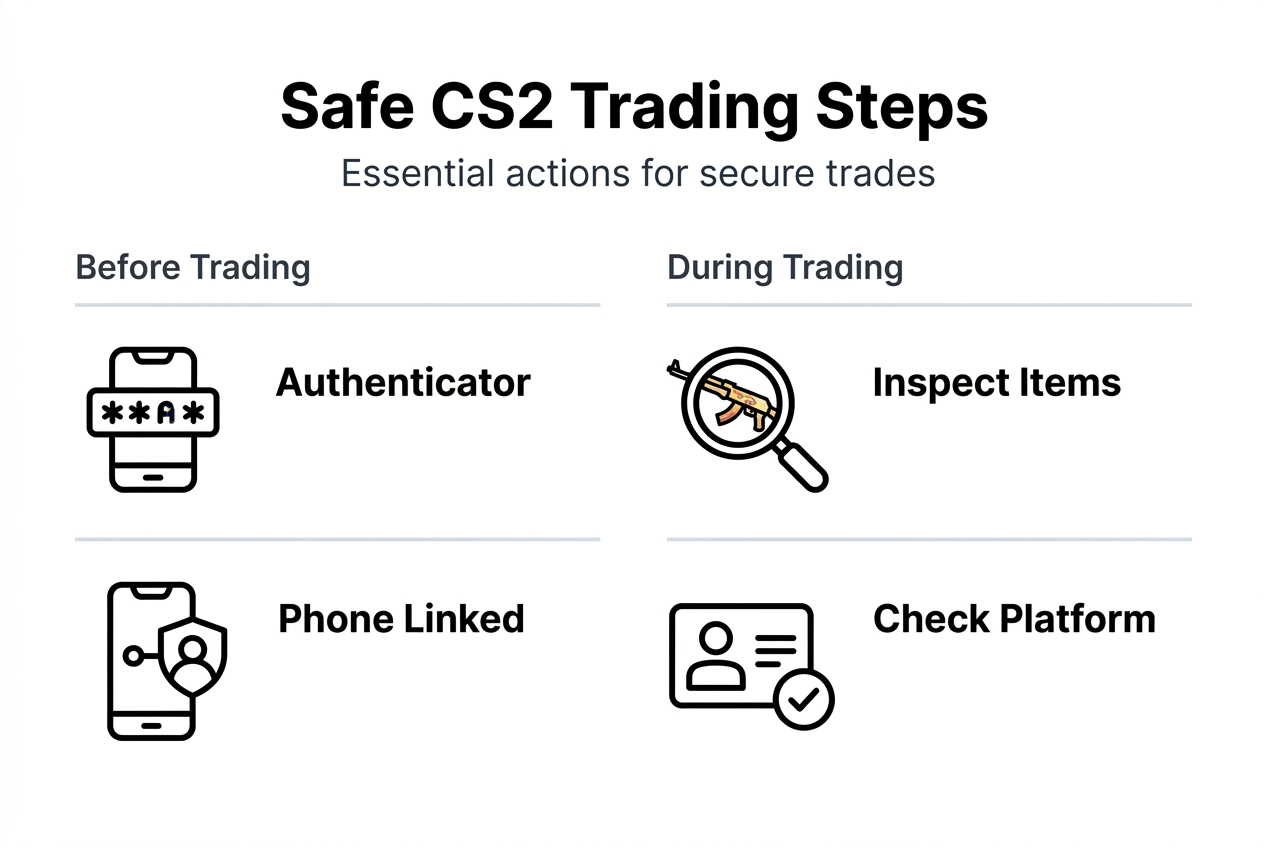
Before you can start trading, you need to meet specific Steam security requirements that protect both you and other traders. Users need Steam Guard Mobile Authenticator active for at least 15 days to begin trading. This mandatory waiting period ensures your account has proper security measures in place.
Your Steam account must also have a valid phone number linked to it. Additionally, you need to make a qualifying purchase using a non-prepaid payment method within the last year. These requirements prevent unauthorized trading and reduce fraud.
Understanding Steam trade restrictions and cooldowns is crucial. New items often have a seven-day trade hold after purchase or receipt through trading. This cooldown applies to most traded items and cannot be bypassed.
Here are the essential preparation steps:
- Download and activate Steam Guard Mobile Authenticator on your smartphone
- Link a valid, non-VOIP phone number to your Steam account
- Make at least one qualifying purchase with a credit card or verified payment method
- Wait the full 15-day period after activating Mobile Authenticator
- Enable email confirmation for trades as an extra security layer
- Verify your account settings show no trade restrictions or bans
Pro Tip: Keep your authenticator app updated and backed up. Losing access to your authenticator can lock you out of trading for weeks while you recover your account.
Securing your trading environment goes beyond Steam's requirements. Avoid clicking links in unsolicited messages, even from friends whose accounts might be compromised. Never share your password or authenticator codes with anyone claiming to be Steam support. Building a strong foundation through our building a CS2 skin collection guide helps you understand the broader context of secure skin management.
How trade-up contracts work and their role in skin trading
, determined by probabilities and float values. This mechanic lets you convert lower-tier skins into potentially valuable higher-tier items. The system calculates which skin you receive based on the collection distributions of your input skins.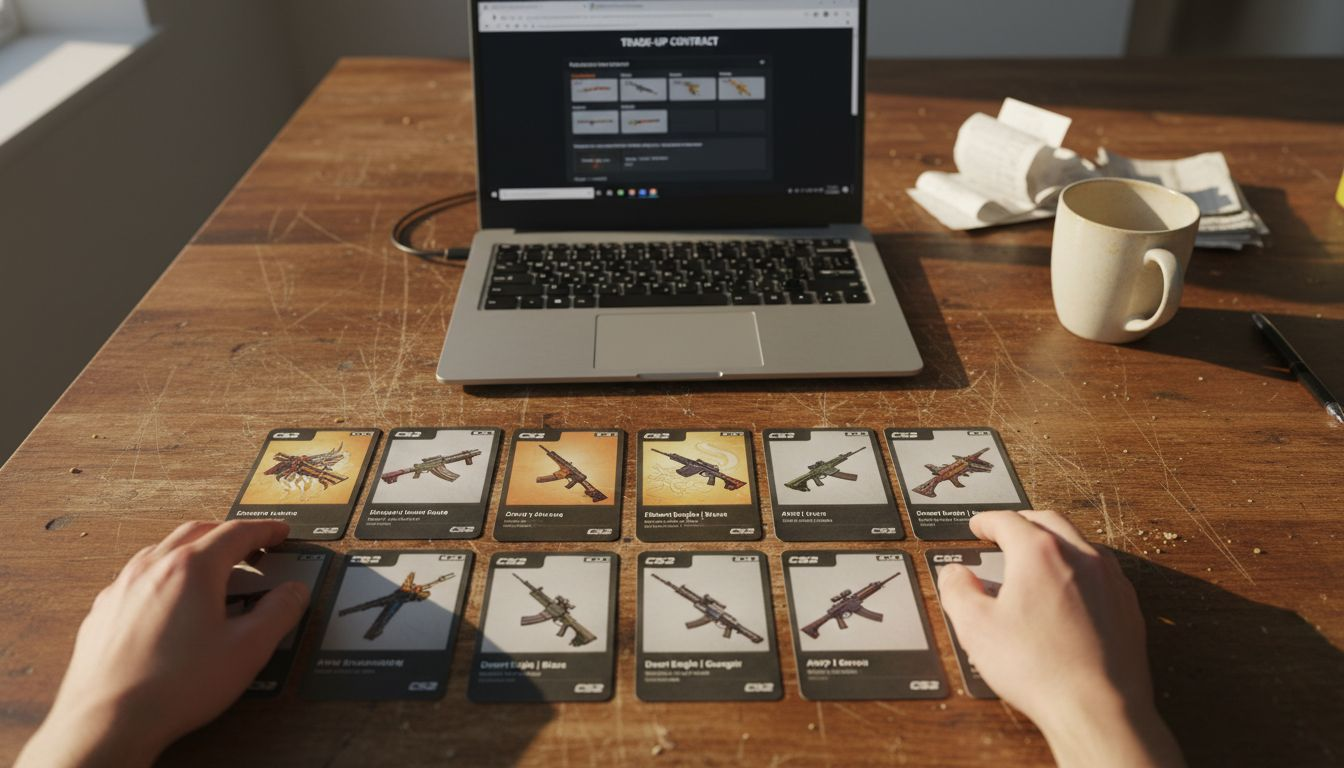
Float values play a critical role in trade-up outcomes. Each CS2 skin has a float value between 0.00 and 1.00, representing its wear condition. The outcome is determined by probabilities, with the float value of input skins influencing the output. Lower input floats increase your chances of receiving a lower float output skin, which typically holds more value.
Recent 2026 updates to CS2 have adjusted trade-up odds and emphasized float's impact on results. The game now uses more sophisticated calculations that consider the average and range of input floats. This means strategic float selection matters more than ever for profitable trade-ups.
Key aspects of trade-up contracts include:
- You must use exactly 10 skins of identical quality (all Mil-Spec, all Restricted, etc.)
- Output quality is always one tier higher than input quality
- Probabilities depend on how many eligible skins exist in each collection
- Input skins can come from multiple compatible collections
- StatTrak versions require all 10 inputs to be StatTrak
- The output float typically falls within a calculated range based on inputs
| Input Quality | Output Quality | Typical Success Rate |
|---|---|---|
| Consumer Grade | Industrial Grade | 100% |
| Industrial Grade | Mil-Spec | 100% |
| Mil-Spec | Restricted | 70-90% |
| Restricted | Classified | 40-60% |
| Classified | Covert | 10-30% |
Pro Tip: Use the CS2 Skin Upgrader to simulate different trade-up scenarios before committing real skins. This lets you test float combinations and see potential outcomes without risk.
Understanding trade-up mechanics transforms random skin accumulation into strategic inventory building. You can target specific high-value skins by carefully selecting input collections and float ranges. This knowledge separates casual traders from those who consistently profit from their trading activities.
Using Steam and third-party platforms to trade CS2 skins safely
CS2 skin trading involves buying, selling, and exchanging virtual cosmetic items within the Steam inventory system. You can execute trades directly through Steam trade offers, which you send to friends or other users you've connected with. This method provides maximum security since transactions occur entirely within Valve's ecosystem.
Steam Community Market offers another trading avenue, though Steam charges a percentage of each transaction. The market takes a 5% fee plus a game-specific fee, which can significantly reduce your profit margins on lower-value items. However, the convenience and security make it worthwhile for many traders.
Third-party platforms have emerged as popular alternatives because third-party sites offer competitive prices and lower fees. These platforms typically charge 2-3% compared to Steam's higher rates. You can often find better deals and more flexible trading options on reputable third-party sites.
Choosing the right platform requires careful vetting:
- Research platform reputation through community forums and review sites
- Check user reviews focusing on withdrawal times and customer support
- Verify the site uses HTTPS encryption and secure payment processing
- Look for platforms with escrow systems that hold items during transactions
- Confirm the site has been operating for at least one year
- Avoid sites with excessive negative feedback about locked accounts or lost items
CS2 Trade Protection provides an essential safety net for traders. CS2 Trade Protection allows reversing eligible trades within seven days if you've been scammed or hacked. This feature only works for certain types of scams, so you still need to exercise caution during every trade.
Pro Tip: Before accepting any trade, verify the exact items being offered by hovering over each one. Scammers often swap valuable skins for similar-looking cheaper versions at the last moment.
Never compromise your account security for convenience. Sharing your Steam password with any site or person violates Steam's Terms of Service and can result in permanent account bans. Even trusted friends' accounts can be compromised, so treat every trade link with skepticism.
The CS2 Skin Changer offers a secure alternative for experimenting with different skins before committing to trades. You can explore how skins look in-game without the financial risk of purchasing them first. Understanding common skin trading mistakes helps you recognize red flags before they cost you valuable items.
Tips to maximize profits and avoid pitfalls when trading CS2 skins
Prioritizing low float skins dramatically improves your trade-up success rates. The video emphasizes the importance of understanding float values and probabilities for making profitable trade-ups. Skins with floats below 0.15 generally command premium prices and yield better results when used as trade-up inputs.
Specialized tools make finding ideal float skins much easier. The video suggests using tools and methods to acquire low float skins for trade-ups. These tools scan the market for specific float ranges and alert you when suitable skins become available at good prices. Many successful traders use multiple tools simultaneously to catch the best opportunities.
Timing your trades according to market trends significantly impacts profitability. CS2 skin prices fluctuate based on game updates, tournament schedules, and seasonal demand. Major updates often create price volatility that smart traders exploit. Watching professional tournaments can also signal when certain skin collections might spike in popularity.
Key strategies for maximizing trade profits:
- Target skins from collections with fewer high-tier options to improve trade-up odds
- Buy low float skins during market dips caused by panic selling
- Avoid trading immediately after receiving items due to the seven-day cooldown
- Research which collections feed into the most valuable covert skins
- Track price histories using market analysis tools to identify patterns
- Consider seasonal events that might increase demand for specific skin themes
Scam prevention requires constant vigilance. Never share your Steam password or click suspicious links claiming to be trade offers. Scammers have become increasingly sophisticated, creating fake Steam login pages that look nearly identical to the real thing. Always check the URL carefully before entering credentials.
Verifying trade details thoroughly prevents most scams. Take time to inspect every item in a trade offer, checking float values, wear ratings, and exact skin names. Scammers frequently substitute similar-looking skins with much lower values. If a deal seems too good to be true, it probably involves deception.
The CS2 Skin Upgrader lets you test trade-up scenarios with different float combinations before risking real skins. This practice helps you understand which investments offer the best potential returns. Learning from our CS2 skin collecting tips maximized value guide provides additional strategies for building a profitable skin portfolio.
Explore DROP.SKIN for safe and profitable CS2 skin trading
Now that you understand the mechanics and strategies of CS2 skin trading, putting this knowledge into practice becomes the next challenge. DROP.SKIN provides a trusted platform where you can safely upgrade and trade your CS2 skins without worrying about scams or complicated processes.
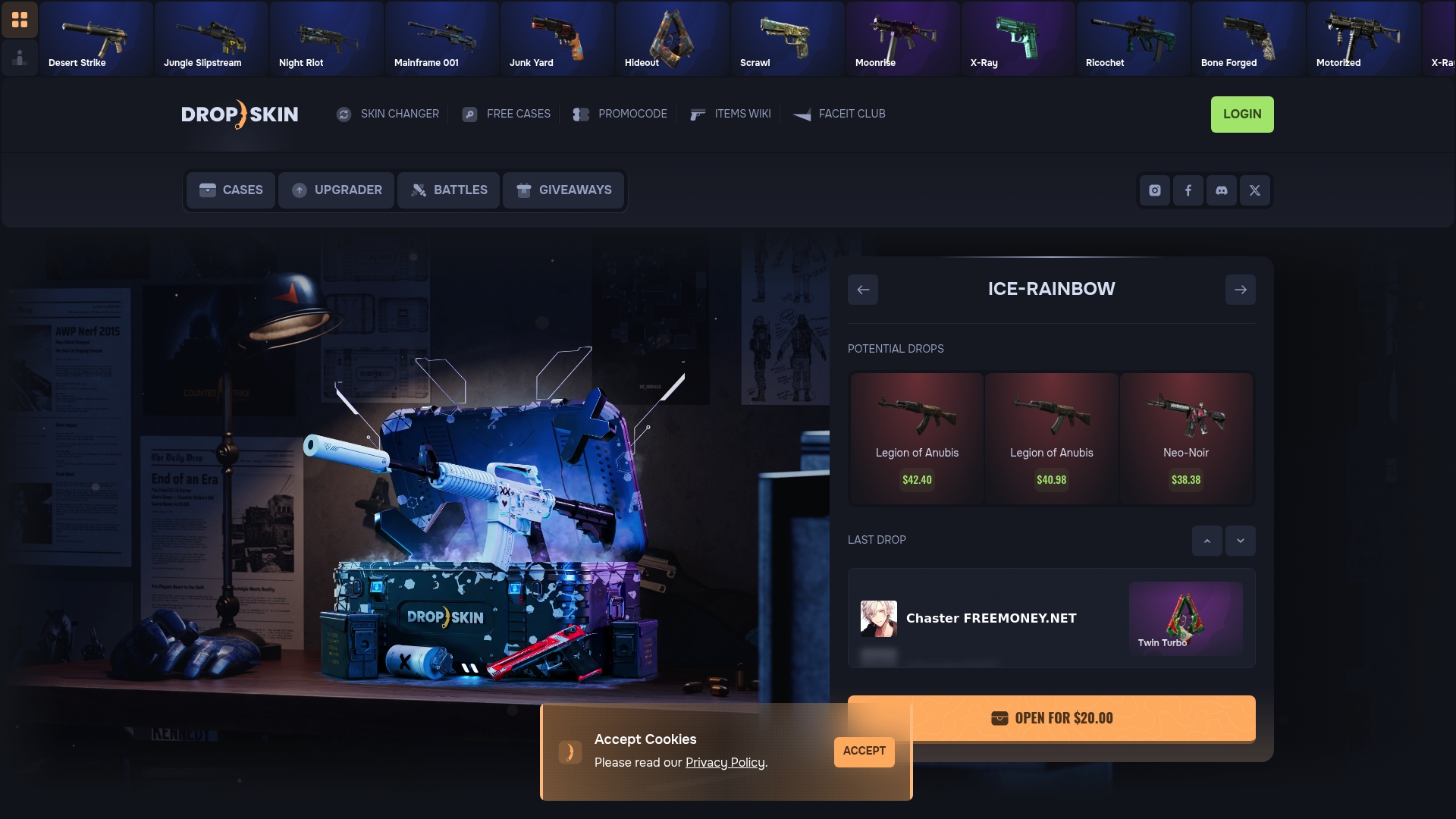
Our CS2 Skin Upgrader gives you advanced tools for managing float values and executing strategic trade-ups. You can simulate different combinations, calculate probabilities, and make informed decisions before committing your skins. The platform handles all the technical complexity while you focus on building your collection.
The CS2 Skin Changer lets you experiment with different skins in your inventory, helping you decide which upgrades are worth pursuing. Combined with our competitive pricing and secure transaction system, DROP.SKIN turns your trading knowledge into real results. Start enhancing your CS2 skin collection today with tools designed specifically for serious traders.
How to trade CS2 skins: frequently asked questions
How do trade-up contracts actually work in CS2?
You combine exactly 10 skins of the same quality level to receive one skin of the next higher quality. The output skin's float value is calculated based on your input skins' floats, and you have different probability chances of receiving specific skins depending on the collections you use.
What security measures does Steam require before I can trade?
Steam requires you to have Mobile Authenticator active for at least 15 days, a linked phone number, and a qualifying purchase made within the past year. You also face a seven-day trade hold on most newly acquired items.
What are the most common CS2 skin trading scams?
The most prevalent scams include fake Steam login pages that steal credentials, item swapping where scammers substitute valuable skins with cheaper lookalikes at the last second, and phishing links disguised as trade offers. Always verify URLs and inspect every item carefully before accepting trades.
How do float values influence skin rarity and value?
Float values range from 0.00 to 1.00 and determine a skin's wear condition. Lower floats (closer to 0.00) indicate better condition and typically command higher prices. In trade-ups, lower input floats increase your chances of receiving lower output floats, which are more valuable.
Can I trade CS2 skins immediately after purchasing them?
No, most CS2 skins have a seven-day trade hold after purchase or receipt through trading. This cooldown is a Steam security measure that cannot be bypassed, so plan your trades accordingly.
Which third-party trading platforms are safest to use?
Look for platforms with strong community reputations, at least one year of operating history, secure HTTPS encryption, escrow systems, and positive user reviews about withdrawals and support. Avoid sites with excessive complaints about locked accounts or lost items.