TL;DR:
- A step-by-step approach to CS2 skin upgrades ensures better collection building and market stability. Patience, thorough research, and careful documentation help players avoid costly mistakes and achieve true value growth. Using controlled, one-upgrade-at-a-time strategies with proper timing maximizes profit and long-term collection quality.
Most CS2 players have been there: you dump your entire budget into a big skin upgrade, the market shifts overnight, and you end up with something that looks worse and trades for less than what you started with. A step by step approach to skin upgrades is the difference between building a collection you're proud of and repeatedly starting over from scratch. This guide breaks down exactly what to prepare, how to execute upgrades in the right sequence, how to spot problems early, and how to measure real progress so every move you make builds on the last.
Table of Contents
- Key takeaways
- What you need before starting upgrades
- How to execute a skin upgrade step by step
- Troubleshooting when upgrades go wrong
- Verifying results and optimizing your upgrade path
- My honest take on skin upgrading discipline
- Upgrade smarter with Dropskin
- FAQ
Key takeaways
| Point | Details |
|---|---|
| Prepare before you upgrade | Know your budget, research skin patterns, and understand platform tools before touching your inventory. |
| One upgrade at a time | Introducing changes one at a time lets you clearly assess what worked and what did not. |
| Patience drives results | Monitoring over 4 to 6 week intervals reveals which upgrades actually improve visual appeal and market value. |
| Track everything | Documenting your progress after each phase makes future upgrade decisions faster and smarter. |
| Fix mistakes fast | Recognizing a bad upgrade early and reverting saves budget and keeps your upgrade path on track. |
What you need before starting upgrades
Jumping into CS2 skin upgrades without preparation is the fastest way to waste a trading budget. Before you execute a single swap, you need three things in place: the right platforms, a clear budget ceiling, and working knowledge of the skins you are targeting.
Platforms and tools to know:
- CS2 trading marketplaces for price benchmarking (Steam Community Market, third-party exchanges)
- Skin upgrade tools built into platforms like Dropskin's CS2 Skin Upgrader for controlled, online upgrades
- Pattern and float value checkers to identify high-tier skin variants before purchasing
- Price history trackers that show you 30, 60, and 90 day trends for any given skin
Understanding skin changers in CS2 is also worth doing upfront. They affect how upgrades appear in game, and knowing their function prevents confusion when results do not match expectations.
Budget planning at a glance:
| Budget tier | Recommended approach | Expected upgrade scope |
|---|---|---|
| Under $20 | Single low-tier skin swap | Visual refresh only |
| $20 to $100 | Gradual upgrades across 2 to 3 weapons | Minor value improvement |
| $100 to $500 | Targeted float and pattern improvements | Meaningful value gains |
| $500+ | Multi-weapon collection overhaul | Significant market impact |
Research is not optional. Market trends shift with CS2 patches, esports seasons, and community sentiment. A skin that holds value in January may drop 30% by March with no warning. Staying informed through community forums and price tools protects your investment at every stage.
Pro Tip: Never start an upgrade session without setting a hard stop-loss number. Decide in advance what you will not spend past, and stick to it regardless of how appealing the next upgrade looks in the moment.
How to execute a skin upgrade step by step
The most reliable way to upgrade your CS2 skins is methodically. Overhauling multiple upgrades at once causes setbacks because you lose the ability to trace what worked and what did not. Do one thing, then observe.
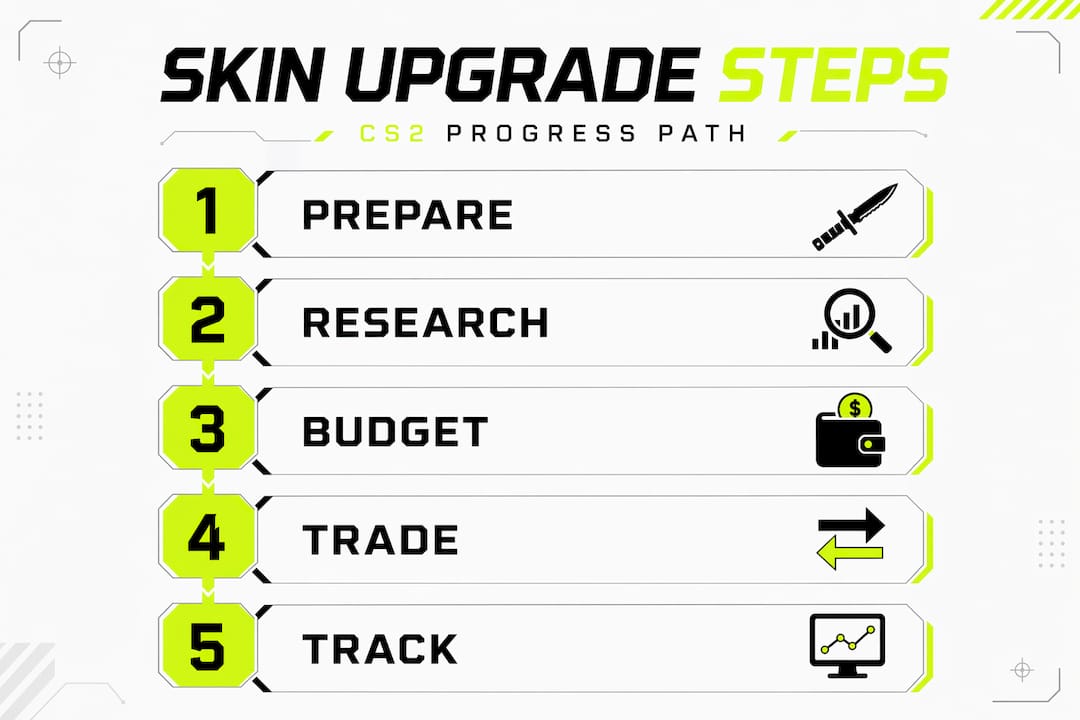
Here is the sequence that produces consistent results:
-
Start with one weapon. Pick the gun you use most or the one with the highest visibility in your loadout. Starting here gives you the fastest feedback on whether the upgrade delivers visual value.
-
Make the smallest upgrade that produces a visible difference. Swap a battle-scarred skin for a field-tested version of the same pattern. This is low risk, low cost, and immediately shows you how float improvements translate to appearance.
-
Wait and observe for 4 to 6 weeks. Introducing one upgrade at a time with observation intervals lets the market stabilize around your new asset before you make the next move. Check price trends, get community feedback, and assess whether the skin looks as good as expected.
-
Move to intermediate upgrades after confirming the baseline. Once your first upgrade holds value and satisfies you visually, upgrade a second weapon. At this stage, you can begin combining float improvements with pattern selections for a stronger visual impact.
-
Apply layering logic to advanced upgrades. In the same way that applying products thinnest to thickest ensures each layer works properly, layering skin upgrades from foundational changes (float and wear) up to premium additions (rare patterns, StatTrak) ensures each layer adds genuine value rather than masking a weaker base.
-
Evaluate and escalate on a clear schedule. After your first full upgrade cycle across two to three weapons, assess total collection value. If the numbers and visuals have both improved, you are ready to escalate to higher-tier targets.
-
Document every step. Screenshot prices before and after. Log trade dates and amounts. This record becomes your personal upgrade data set.
Pro Tip: Avoid upgrading more than two weapons in the same week. Even if your budget allows it, splitting your attention across multiple active upgrades makes it nearly impossible to evaluate what is actually driving your results.
The most common error at this stage is rushing to the advanced steps before the earlier ones are locked in. A simplified approach that focuses on a core set of effective steps delivers the bulk of the benefit, while complexity added too early creates confusion and inefficiency.
Troubleshooting when upgrades go wrong
Even well-planned upgrades sometimes miss the mark. The key is catching problems early before they compound.
Signs your upgrade is underperforming:
- The skin's market value has not increased after 6 to 8 weeks
- Community reception in trading forums or Discord servers is flat or negative
- The float or pattern you upgraded to is less visually distinct than expected in-game
- You are consistently offered trades that undervalue the skin
When you hit a plateau, do not panic and over-correct. Consistency produces better outcomes than frequent, reactive changes. Take one targeted corrective action, then wait again.
How to recover from a bad upgrade:
- Identify the specific element that underperformed (float, pattern, wear tier, or wrong weapon category)
- List the skin at a competitive price to recover capital before the value drops further
- Take a 7-day break from active upgrading to reset your decision-making. A short reset period with a stripped-back, simplified approach helps restore clarity after a setback
- Revisit your budget, check current market data, and plan the next upgrade from scratch
Market timing also matters more than most players admit. Demand for specific skins spikes around major tournaments and new CS2 operations. If your upgraded skin is not gaining value, the timing may simply be off. Seasonal shifts affect skin demand in ways that parallel how broader markets cycle through highs and lows. Hold your position, wait for a demand catalyst, and then reassess.
"The biggest mistake in skin upgrading is not the wrong skin choice. It is the inability to sit still after making it. Patience is the actual skill."
For deeper guidance on safe upgrade workflows, reviewing established procedures before placing high-value upgrades reduces the risk of costly missteps.
Verifying results and optimizing your upgrade path
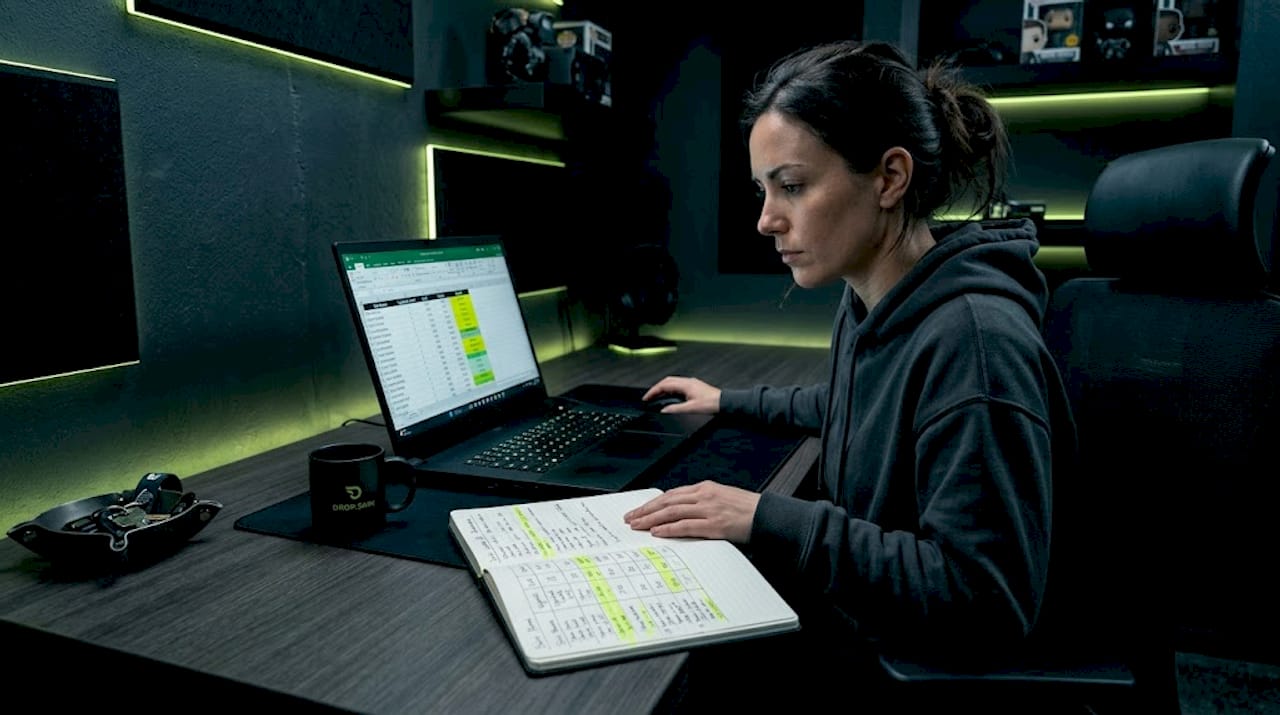
Tracking results is not just bookkeeping. It is how you build the pattern recognition to make faster, better upgrade decisions over time. Documenting upgrade effects over key intervals of 4 to 6 weeks and 8 to 12 weeks provides clear evidence of which upgrades are actually performing.
Here is what to track after each upgrade phase:
| Metric | What to measure | How often |
|---|---|---|
| Market price delta | Price before vs. after upgrade | Every 2 weeks |
| Trade offer quality | Average trade value offered vs. skin's listed price | Weekly |
| Visual reception | Community feedback in forums and Discord | Monthly |
| Float value retention | Whether float tier still reflects premium tier pricing | Each transaction |
Pro Tip: Use a simple spreadsheet with four columns: skin name, upgrade date, price before, and price 30 days after. After six upgrades, you will see clear patterns about which upgrade types actually grow in value and which ones stall.
Once you have two to three full upgrade cycles documented, you are ready to escalate. The data will show you which weapon categories respond best to float improvements, which patterns hold value longest, and where your budget has the highest return.
Knowing how to upgrade CS2 skins affordably over multiple cycles is a compounding skill. Each well-documented upgrade cycle teaches you something the previous one could not, because you have more data to compare against. The players who build truly impressive collections are not the ones who spent the most. They are the ones who tracked the most.
My honest take on skin upgrading discipline
I have watched hundreds of CS2 collectors go through the same cycle. They discover skin upgrades, they get excited, and they try to jump straight to the high-tier result without building toward it. Almost every time, that impatience costs them real money and real time.
What I have learned is that the step by step approach is not just a safer path. It is actually a more enjoyable one. When you upgrade one weapon at a time and see it gain value and visual quality over weeks, you feel every step of the progress. That feeling is genuinely satisfying in a way that a single big-budget purchase never replicates.
The market rewards patience in ways that are not immediately obvious. A skin you upgraded gradually with a documented float history and proven demand signals will always trade better than one you rushed into. Buyers trust provenance. Sellers who know their upgrade history ask better prices and get them.
My advice is to treat your first full upgrade cycle as a learning investment, not a profit play. The data you collect in those first 8 to 12 weeks is worth more than any single skin you could have bought instead. Once you have that foundation, the returns compound through strategic staking in ways most new collectors never expect.
Build slow. Track everything. The collection you want is a few patient cycles away.
— Dropskin
Upgrade smarter with Dropskin
If you are ready to put this step by step framework into practice, Dropskin gives you the tools to do it on one platform without the friction of jumping between marketplaces.
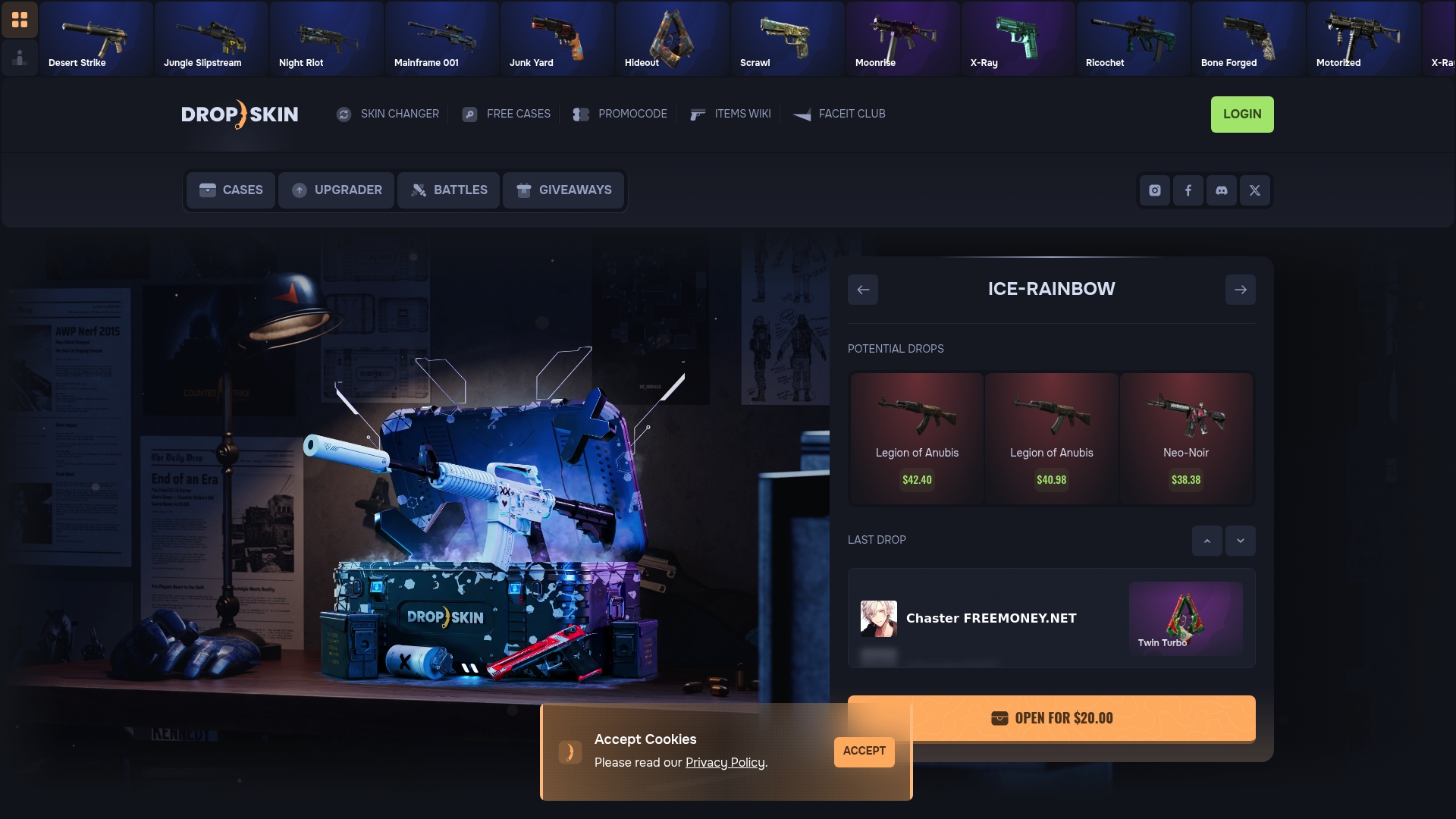
The CS2 Skin Upgrader on Dropskin lets you input your current skins and target a higher-value outcome with full transparency on odds and potential results. It is built for exactly the kind of controlled, one-upgrade-at-a-time execution this guide recommends. Beyond upgrades, Dropskin also offers case openings, skin battles, and giveaways that support every phase of a progressive collection-building strategy. Whether you are working with a $20 budget or a $500 collection, the platform scales with your approach.
FAQ
What is the best way to start skin upgrades in CS2?
Start with a single, low-cost float improvement on your most-used weapon. This gives you immediate visual feedback and a clear before-and-after data point to build your upgrade strategy from.
How long should I wait between skin upgrade steps?
Waiting 4 to 6 weeks between upgrades lets you track price changes and community reception clearly. Rushing the next upgrade before observing results from the first one eliminates your ability to diagnose what is actually working.
Why does upgrading too many skins at once backfire?
When you change multiple skins simultaneously, you lose the ability to isolate which upgrade drove any change in value or reception. Single upgrade introductions allow clean, accurate assessment of each decision.
What should I do if my upgraded skin loses value?
Hold for a demand catalyst like a major CS2 tournament or operation update, or list at a competitive price quickly to recover capital. Avoid making reactive trades in the first two weeks of a value dip.
How do I know when I am ready to escalate to premium-tier upgrades?
When two to three documented upgrade cycles show consistent value growth and positive trade reception, you have the data to justify moving to higher-tier targets with confidence.