TL;DR:
- To upgrade CS2 skins affordably, prioritize understanding market value differences, especially fees and liquidity, to avoid hidden costs.
- Use a step-by-step upgrade ladder with probabilistic modeling, float optimization, and diversified wear tiers to maximize value and minimize risk.
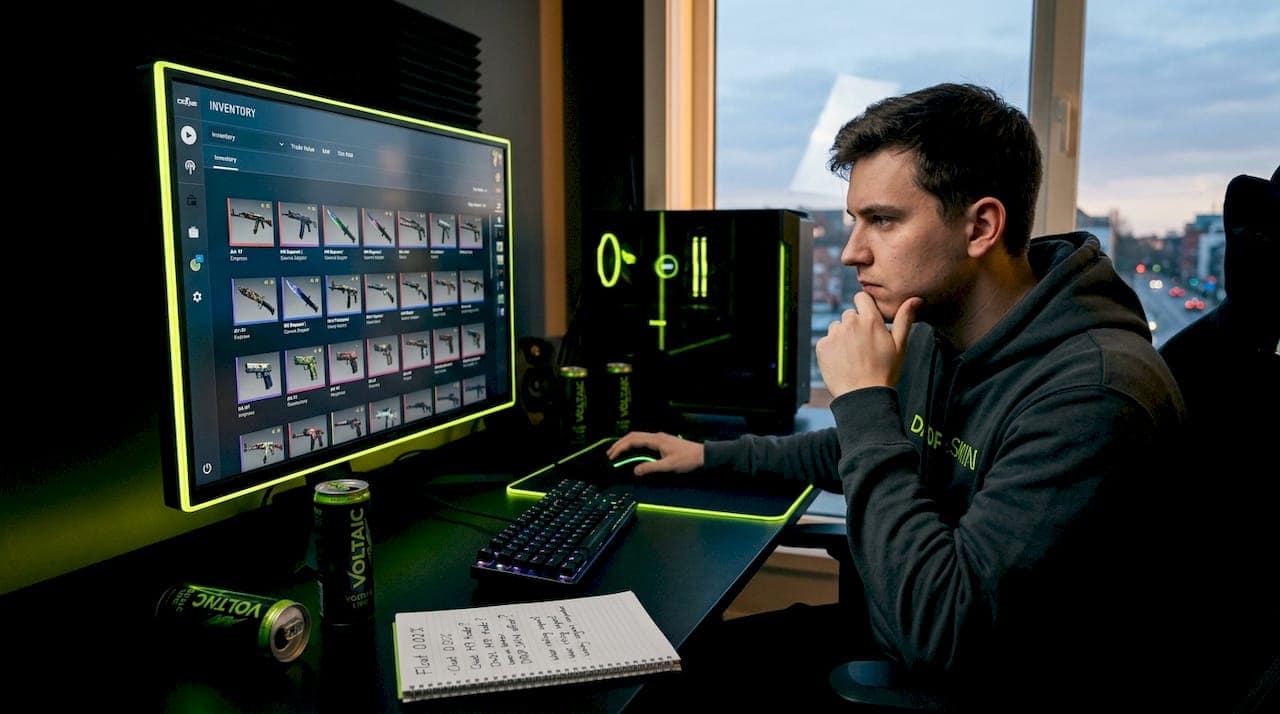
You grind matches for hours, build up a modest skin inventory, then realize that actually upgrading to something you want costs way more than expected — or you take a swing at a trade-up contract and walk away with something worth less than what you put in. That cycle is frustrating, and it happens to most players who skip the preparation phase. This guide gives you a structured, no-fluff approach to upgrading CS2 skins affordably, covering market mechanics, the right tools, a step-by-step upgrade ladder, and the costly mistakes that quietly drain your inventory value.
Table of Contents
- Understand skin values and upgrade costs
- Tools and requirements for affordable upgrades
- Step-by-step upgrade ladder: maximizing value with minimal spend
- Avoiding common mistakes: fees, liquidity, and market risk
- Our perspective: Why game-savvy upgrades beat gambling — and what most guides miss
- Upgrade your skins smarter with DROP.SKIN
- Frequently asked questions
Key Takeaways
| Point | Details |
|---|---|
| Market prices vary | Skin values shift by platform, float, demand, and fees—there’s no single true price. |
| Fees eat profits | Buy and sell fees can take up to 28% of skin value, so minimizing them is key for affordable upgrades. |
| Trading beats gambling | Smart trades and calculated upgrades deliver better value and reliability than gambling methods. |
| Liquidity matters | Focus on liquid, high-demand skins to avoid getting stuck with low-value assets after market shifts. |
| Model expected value | Always benchmark trade-ups using expected value calculations and account for probability. |
Understand skin values and upgrade costs
Before you trade or upgrade anything, you need to understand what actually determines a skin's price. The market is not a single number. CS2 valuation approaches compare at least three concurrent price notions: the Steam Market median or rolling metric, third-party list prices, and third-party cashout offers. These numbers often differ significantly, and that gap is structural. Money in your Steam wallet cannot leave Steam, so a skin worth $20 on Steam Market might only cash out at $14 to $16 on a third-party platform.
That gap matters enormously when you are planning affordable upgrades. If you buy and sell repeatedly on Steam Market without thinking about fees, you are compounding a loss on every cycle. A skin bought and sold on Steam Market loses roughly 28% to fees alone. That means a $10 skin needs to become worth at least $13.90 just for you to break even on the round trip. For budget-focused players, that fee drag can completely undermine a smart upgrade strategy.
A few critical value drivers to understand before you spend a single dollar:
- Float value: Each skin has a wear rating from 0.00 (pristine) to 1.00 (heavily worn). Within the same wear category, lower float values command higher prices. A Factory New AK-47 at 0.003 float can be worth twice what the same skin at 0.069 float fetches.
- Liquidity: Popular skins in common collections sell fast. Niche or StatTrak versions of obscure skins may sit unsold for days or weeks at any reasonable price.
- Case availability: Skins from discontinued cases or limited collections tend to hold value better than those still dropping actively.
- Stickers and patterns: Certain rare patterns (Case Hardened blue gems, for example) or high-tier stickers can multiply a skin's value beyond its base price.
"Understanding the spread between Steam prices and third-party cashout values is not optional — it is the foundation of every profitable upgrade decision you will ever make."
Knowing how to choose valuable skins upfront prevents you from buying into an upgrade path that looks cheap on paper but costs you real money in fees and poor resale value. Always check CS2 skin marketplaces to compare prices across platforms before committing to any upgrade leg.
| Price source | Typical use | Fee/spread | Wallet restriction |
|---|---|---|---|
| Steam Market | Buying/selling within ecosystem | ~15% on sales | Steam wallet only |
| Third-party marketplace | Faster sales, real money cashout | 5-12% depending on platform | Varies by platform |
| Third-party cashout offer | Instant liquidity | 15-25% below Steam price | Real money |
Tools and requirements for affordable upgrades
Once you understand value drivers, the next step is gathering the right tools and picking the safest starting point for your upgrade path. Many players skip this phase entirely, jump straight into trade-up contracts or skin upgrader tools, and wonder why their results feel random.
The first thing to clarify is the difference between trading and gambling. Reputable guidance distinguishes trading from gambling by outcome control: in a trade, you know exactly what you will receive. In gambling, a random number generator determines the outcome. The distinction sounds obvious, but it blurs badly when players treat trade-ups like roulette spins, chasing big outputs without modeling probabilities. The outcome control in trading is what makes it reliably cheaper over time.
Here is what you need before you start any upgrade path:
- Inventory tracker: Tools that display your current skins with float values and estimated prices across multiple markets.
- Trade-up calculator: Lets you model probability and expected value for trade-up contracts before committing.
- Platform accounts: Steam for standard trades and third-party marketplaces for better fee rates on high-value transactions.
- Float checker: Inspect links reveal exact float values, which matter both for value and for trade-up output range calculations.
- Price history charts: Identify whether a skin is trending up, down, or stable before purchasing it as an upgrade input.
Pro Tip: Before using any skin upgrade sites, verify the platform's fee structure and read user reviews for payout reliability. A 3% fee difference across 10 upgrade cycles adds up to meaningful losses.
It is also worth considering best skin changers if you want to visually test a skin's look in-game before committing real money to an upgrade. This prevents buyer's remorse, especially on higher-tier skins where you are spending $30 or more.
| Method | Outcome control | Average fee | Risk level | Best for |
|---|---|---|---|---|
| Direct trade | High (you choose) | 0-5% | Low | Lateral or step upgrades |
| Steam Market buy/sell | Medium | ~15% per sale | Medium | Liquid, popular skins |
| Trade-up contract | Probabilistic | Item-based | Medium-High | Calculated EV plays |
| Skin upgrader (platform) | Low (RNG) | Built into odds | High | Entertainment, variance play |
| Case opening | Very low | Built into odds | Highest | Entertainment only |
Step-by-step upgrade ladder: maximizing value with minimal spend
With your tools ready, here is how to execute affordable upgrades step by step without falling into common traps.
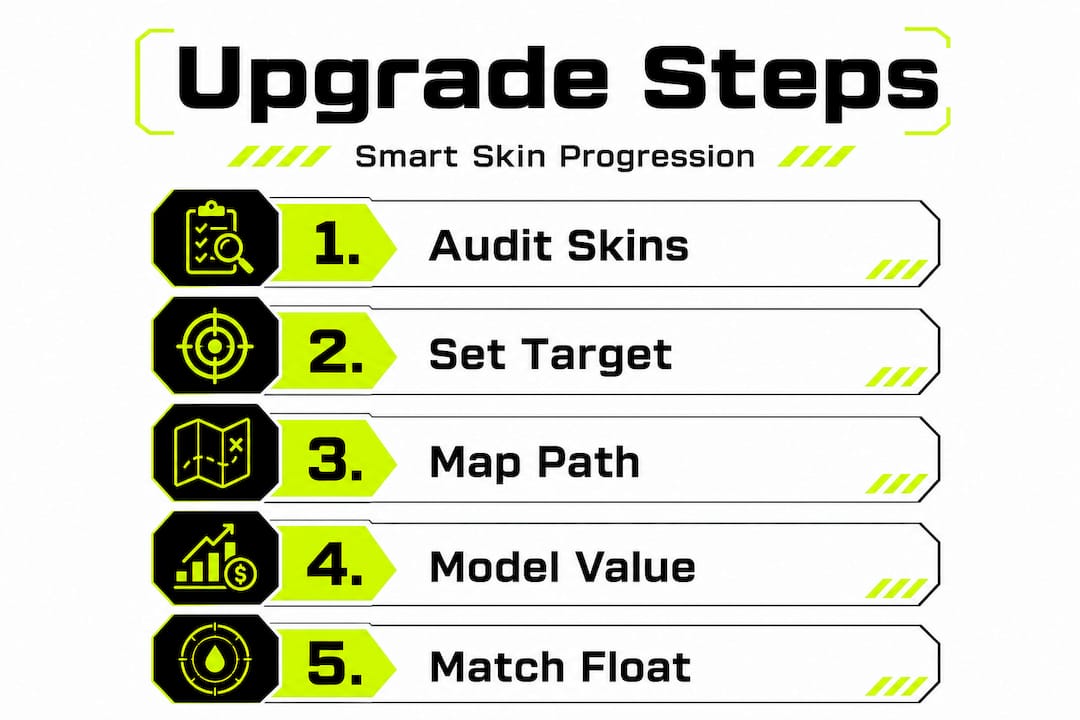
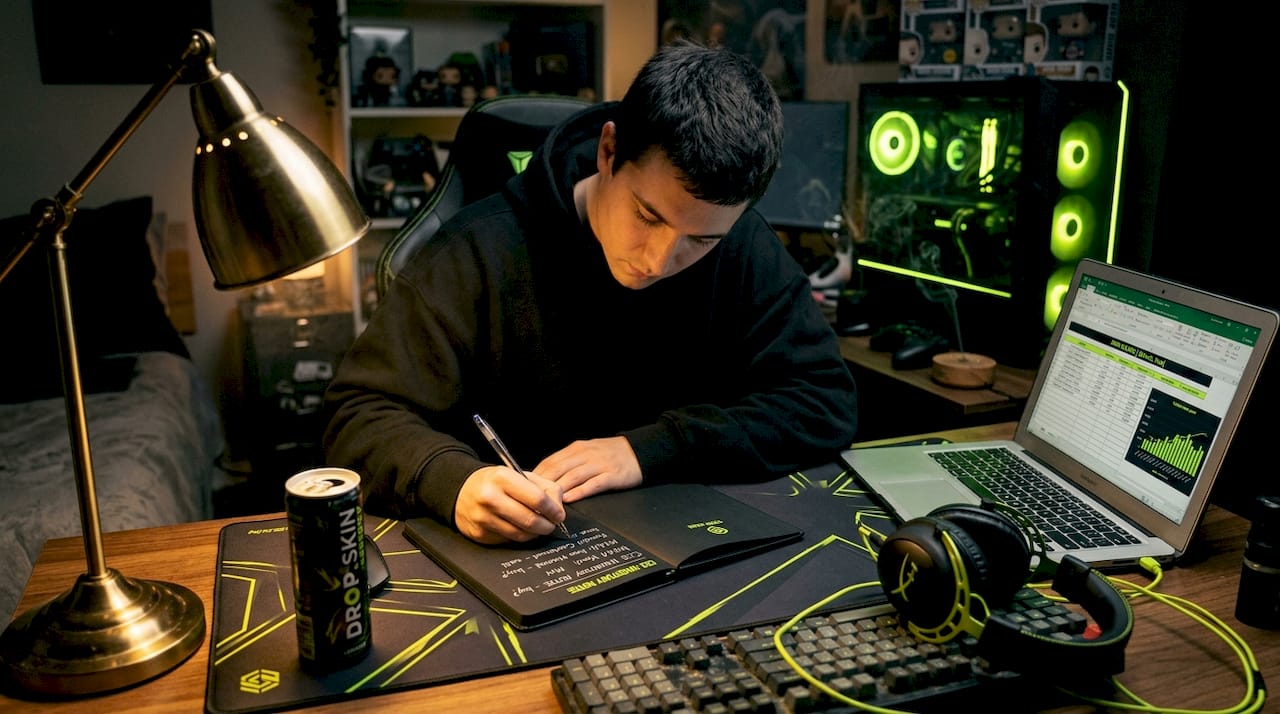
Step 1: Audit your current inventory. List every skin you own with its current float, Steam Market price, and third-party market value. Identify which skins are liquid (sell fast at fair price) and which are illiquid (sit unsold for days). Your upgrade inputs should always come from the liquid side.
Step 2: Set a clear upgrade target. Pick the specific skin you want to end up with. Know its float range, market price on multiple platforms, and how liquid it is. Having a target prevents you from making emotional mid-path pivots that cost money.
Step 3: Map a multi-step ladder, not a single leap. Instead of trying to convert a $2 skin into a $50 skin in one trade-up, plan three to five smaller steps. Each step should increase your inventory value by 20 to 40% before moving to the next tier. This approach limits downside exposure at each stage.
Step 4: Model expected value before every trade-up. Trade-ups are probabilistic, not deterministic, so single outcomes are meaningless. A trade-up with a 30% chance of yielding a $40 skin and a 70% chance of yielding a $10 skin has an expected value of $19. If your 10 inputs cost $15 total, that is a positive EV play. If they cost $22, you are burning money even when you "win" sometimes.
Step 5: Match float values to your target output range. Float value significantly impacts resale value, and in trade-up contracts, the output float is constrained by the floats of your input skins. Lower-float inputs produce lower-float outputs, which sell for more. This is a free optimization step most beginners skip entirely.
Step 6: Diversify wear tiers across your upgrade path. Do not put all your inputs into one trade-up contract. Spread bets across two or three different upgrade attempts in different wear categories. This smooths out variance and prevents one bad roll from ending your upgrade run.
Step 7: Check liquidity at the output tier before committing. Before executing the trade-up, verify that the target skin actually sells regularly. A skin with only two sales in the last 30 days is an illiquidity trap waiting to happen.
Stat check: A trade-up contract with a positive expected value of just 15% over input cost, repeated across 20 attempts, statistically produces meaningful inventory growth — but only if every input was priced correctly and fees were minimized.
Pro Tip: Use the step-by-step skin upgrade framework to document each upgrade attempt, including inputs, outputs, and fees paid. Over time, this data reveals your actual return rate and helps you refine your approach. You can also reference a dedicated skin upgrade tutorial to understand the mechanics in more depth before committing real skins.
Avoiding common mistakes: fees, liquidity, and market risk
As you upgrade, knowing what can go wrong is just as important as knowing the right moves. The most common errors are not dramatic blunders — they are small, repeated mistakes that compound into significant losses.
Fee drag is the silent killer. Most players think about fees once, when they make a sale. But if you are doing a five-step upgrade ladder and paying 15% fees at each sale point, your net gain shrinks dramatically. Map out the fee cost for the entire ladder before starting, not just each individual step.
Illiquid skins trap your capital. Thin or niche items can have large price swings and even a single sale can move reported medians by double digits. When you need to exit quickly, an illiquid skin may force you to sell 20 to 30% below the "market price" just to find a buyer. This can eliminate the entire gain from a successful upgrade.
Common mistakes to avoid outright:
- Chasing StatTrak versions of unpopular skins. StatTrak adds premium but only on skins people actually want. On niche skins, the premium evaporates.
- Ignoring float quality on inputs. Using high-float inputs to try for low-float outputs in trade-ups does not work. The math guarantees a higher-float output.
- Treating the Steam Market median as the real price. As noted earlier, the three concurrent price notions differ structurally. What shows on Steam may not reflect what you can realistically sell for quickly.
- Skipping policy risk monitoring. Valve policy changes — case pool updates, trade hold adjustments, or new restrictions — can move prices fast. A skin you planned to hold for two weeks as part of your upgrade path may drop 15% overnight after an announcement.
- Over-concentrating in one skin or collection. If your entire upgrade path runs through one collection and Valve adds new skins to that case pool, the prices of your inputs and targets can both move against you simultaneously.
Understanding why you should upgrade cheap skins strategically matters even more when you realize how many pitfalls exist. For players who do want to incorporate some variance into the experience, reading about skin gambling strategies from an informed perspective at least ensures you know the odds you are accepting.
"The biggest mistake is treating every upgrade as an isolated decision. Affordable upgrading is a system, not a single trade."
Our perspective: Why game-savvy upgrades beat gambling — and what most guides miss
Here is the honest take most guides avoid: the reason players stay stuck in the cheap-skin tier is not bad luck. It is a failure to treat upgrading as a repeatable skill rather than a luck-based activity.
The skin community spends enormous energy debating which gambling platform has the best odds or which case to open next. Those conversations are mostly entertainment, not strategy. The players who consistently improve their inventories without overspending are the ones who obsess over fee minimization, float optimization, and liquidity management. These are learnable, improvable skills that compound over time.
Fee management is probably the most under-discussed skill in skin trading. Most guides mention fees once and move on. But consider this: a player who reduces average fee drag from 15% to 8% per cycle across a 10-step upgrade ladder keeps hundreds of extra dollars in their inventory over a year of active trading. That is not a marginal gain. That is the difference between reaching a $200 knife and staying stuck at $80 mid-tier skins.
The micro-investment framing is also something most guides never touch. Every skin you buy is a short-term asset. Buying into marketplaces and trading with the mentality of "what is the resale liquidity on this before I buy?" changes every decision you make. You stop buying skins you love that nobody else wants. You start buying skins that are liquid and appreciating, then riding them up before converting to your actual target.
The players who treat this as a skill consistently outperform those who chase variance. Gambling is entertainment. Smart upgrading is a craft.
Upgrade your skins smarter with DROP.SKIN
Applying these upgrade strategies manually takes time, but having the right platform behind you makes the whole process faster and less risky.
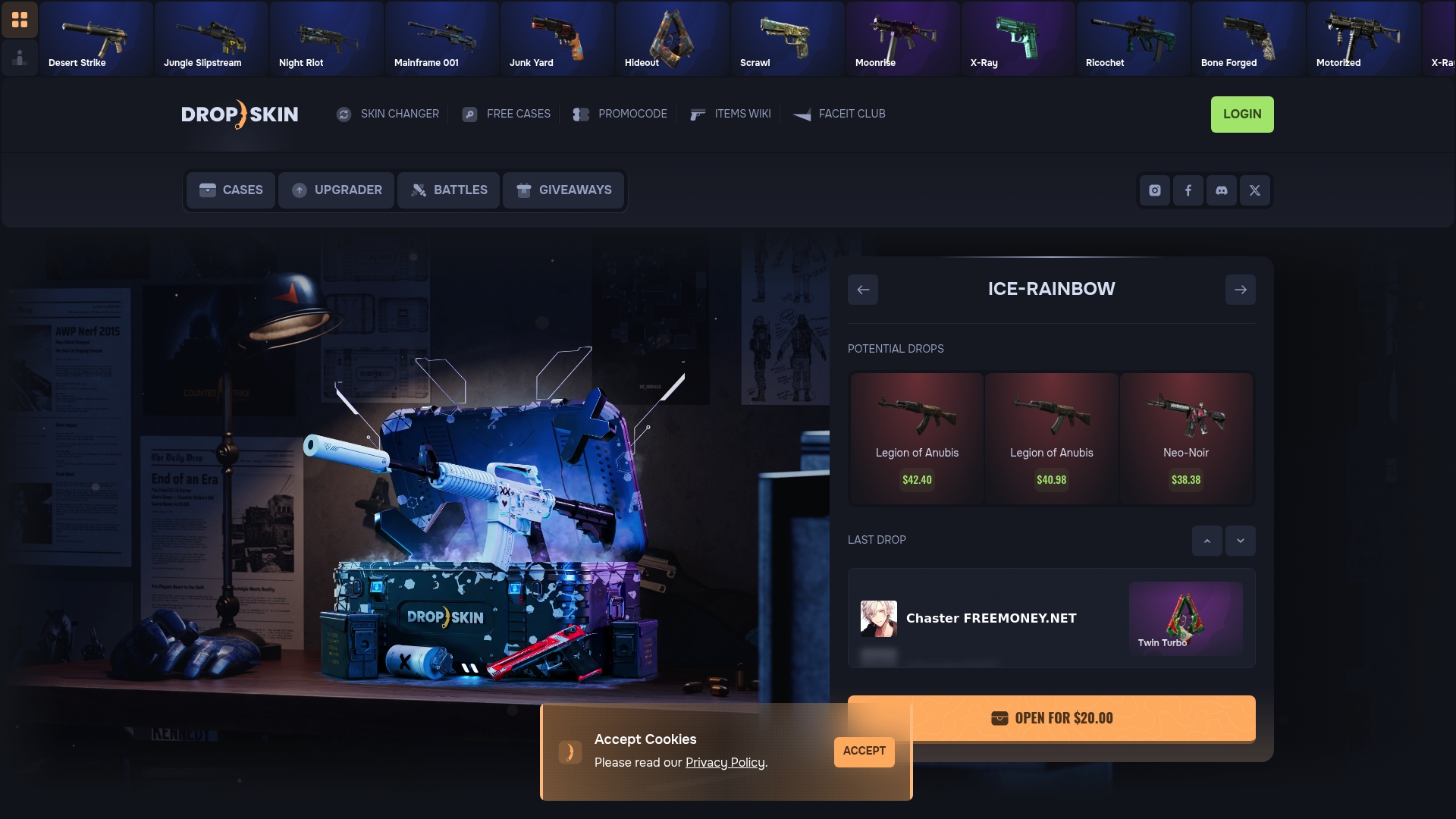
DROP.SKIN's skin upgrader tool is built specifically for players who want to turn lower-value skins into better ones without the guesswork. The platform handles the mechanics, so you can focus on strategy rather than logistics. From case opening to full upgrade paths, DROP.SKIN gives you an engaging, affordable way to climb the skin ladder with features like giveaways and promocodes that stretch your budget further. If you are ready to move past random trades and start upgrading with intention, this is the tool designed for exactly that.
Frequently asked questions
What is the safest way to upgrade my CS2 skins cheaply?
The safest method is trading via reputable platforms while focusing on liquid skins and minimizing fees. Reputable guidance distinguishes trading from gambling by outcome control, and trading wins on consistency over time.
How do I calculate the expected value when trade-upgrading?
Use a trade-up calculator to model probability and fee drag across multiple attempts, not just single trades. Trade-ups are probabilistic, so expected value only becomes meaningful when viewed over many iterations.
Why do fees make affordable upgrades harder?
Fees compound across every buy-and-sell cycle in your upgrade ladder. A skin bought and sold on Steam Market loses roughly 28% to fees, which means your upgrade target must increase in value significantly just to break even.
How can I avoid liquidity traps when upgrading skins?
Prioritize high-demand skins from popular collections and diversify across wear tiers. Thin or niche items can have dramatic price swings, making it hard to exit at fair value when you need to move quickly.
What risks do Valve policies create for skin upgrades?
Policy changes can cause fast, unpredictable price shifts that disrupt your upgrade path. Valve and policy changes represent a primary risk category for anyone holding skins as part of a multi-step upgrade strategy, so always monitor patch notes and trade hold announcements.